Reviews & Reputation
How to Get More Google Reviews for Your Restaurant in Pakistan
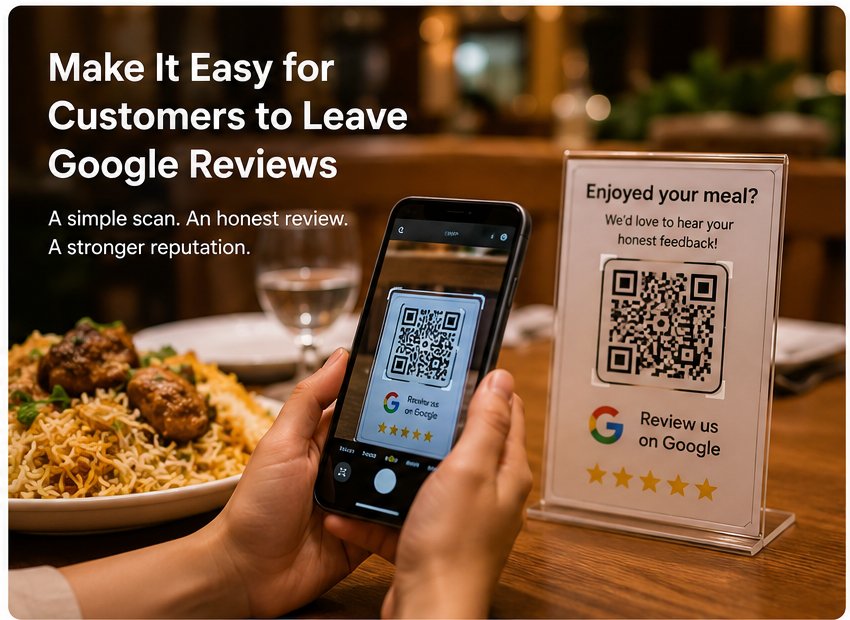
Restaurants can get more genuine Google reviews by asking at the right moment, sharing a direct review link or QR code, giving every customer the same opportunity, avoiding incentives, and consistently responding to feedback.
Getting customers to leave Google reviews can be surprisingly difficult.
A customer may genuinely love your food, compliment your service, and tell your waiter they will "definitely come back" — but never leave a review. Usually, the problem is not that they do not want to help. They simply forget, or the process feels like too much effort.
For restaurants in Pakistan, one of the simplest ways to make review requests easier is to put a direct Google review link or QR code in front of customers at the right time.
The goal is not to pressure people into leaving positive reviews. It is to make it easy for genuine customers to share their honest experience.
1. Ask at the Right Moment
Timing matters.
Instead of asking every customer for a review the second they reach the counter, look for a natural point in the customer journey. This could be after a customer compliments the food, near the end of the meal, or shortly after they have finished dining.
For example, if a customer tells your waiter, "The karahi was excellent," that is a natural opportunity to say:
"We're glad you enjoyed it. If you have a moment later, we'd really appreciate your honest feedback on Google."
The key is to keep the request simple and optional. Customers should never feel pressured to leave a review or be told what rating to give.
2. Make Leaving a Review Easy
Even satisfied customers may not leave a review if they have to search for your restaurant first.
Asking someone to:
- Open Google Maps
- Search for the restaurant
- Find the correct listing
- Open the reviews section
- Start writing a review
creates unnecessary friction.
A direct Google review link or QR code can reduce those steps. Google explains how businesses can create and share a review link or QR code when asking genuine customers for reviews. You can also learn more about how QR Reviews work for restaurants.
For a restaurant, that QR code can be placed on:
- Dining tables
- Counter displays
- Receipts or bills
- Takeaway packaging
- Table tents
- Thank-you cards
The customer simply scans the code and reaches the review page.

3. Give Every Customer the Same Opportunity to Share Feedback
Your review process should be neutral.
Do not create a system that sends only happy customers to Google while preventing unhappy customers from leaving a public review. Google's Maps user-generated content policy prohibits businesses from discouraging negative reviews or selectively soliciting positive ones.
Instead, give genuine customers the same opportunity to leave an honest Google review.
You can still provide a separate feedback form or contact option for customers who want to report a problem directly to the restaurant. This gives your team an opportunity to resolve service issues, while the customer remains free to share their experience on Google.
This distinction matters: collecting private feedback is useful; using private feedback to block negative reviews is not.
4. Never Buy or Incentivize Reviews
Offering a customer a discount, free meal, cashback, gift, or other reward in exchange for a Google review may seem like an easy way to increase your review count.
It is not worth the risk.
Google's review best-practice guidance prohibits incentivized reviews and says reviews should reflect genuine customer experiences. Businesses should also avoid asking customers to include specific wording, give a particular rating, or change or remove a negative review in exchange for an incentive.
A better approach is simple:
Ask for an honest review, make the process easy, and let the customer decide what to write.
5. Respond to Both Positive and Negative Reviews
Getting reviews is only one part of reputation management. Responding to them shows customers that someone is actually paying attention.
For a positive review, a short and personal response is usually enough:
"Thank you for visiting us! We're glad you enjoyed the karahi. We hope to see you again soon."
For a negative review, avoid arguing or becoming defensive. Acknowledge the customer's experience, apologize where appropriate, and invite them to contact the restaurant if you need more details.
Your response is not just for the person who wrote the review. Future customers can read it too.
Google also recommends replying to reviews as a way to show customers that their feedback matters.
6. Make Review Requests Part of the Customer Journey
Review collection works better as a normal part of the customer experience than as a one-week campaign.
Instead of asking for reviews aggressively for a few days and then stopping, create a simple process that your team can follow consistently.
Customer finishes meal → QR code is visible → staff gives a polite reminder when appropriate → customer chooses whether to leave feedback → restaurant responds to the review.
A QR code on each table can make this process easier because customers can scan it when they are ready rather than waiting for a staff member to remember to ask.
The goal is not to manufacture reviews. It is to remove friction for customers who genuinely want to share their experience.
How to Create a Google Review QR Code for Your Restaurant
Google Business Profile provides a review link that businesses can share with customers, including through a QR code.
A simple setup looks like this:
- Open your restaurant's Google Business Profile.
- Find the option to request or get more reviews.
- Copy the review link or generate the available QR code.
- Test the link from another phone before printing it.
- Place the QR code somewhere customers can easily see it.
For restaurants, table cards and counter displays are particularly practical because customers already have their phones with them.
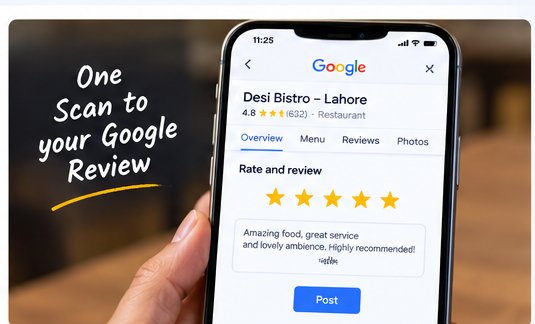
Restaurants can also use the same QR system for a Digital QR Menu, allowing them to update prices and dishes without reprinting menus every time something changes. For a detailed comparison, read QR Code Menu vs Printed Menu in Pakistan.
A Simple Google Review Strategy for Pakistani Restaurants
For a restaurant in Pakistan, the process does not need to be complicated.
Imagine a customer has just finished dinner at your Islamabad restaurant. The table has a small card saying:
"Enjoyed your meal? We'd love to hear about your experience. Scan to leave an honest Google review."
The customer scans the QR code, reaches your Google review page, and decides whether to leave feedback.
At the same time, your restaurant can offer a separate way for customers to contact you directly about service problems, billing issues, food quality, or other concerns.
This creates a simple system around convenience, genuine feedback, and better customer communication — rather than trying to control what customers say.
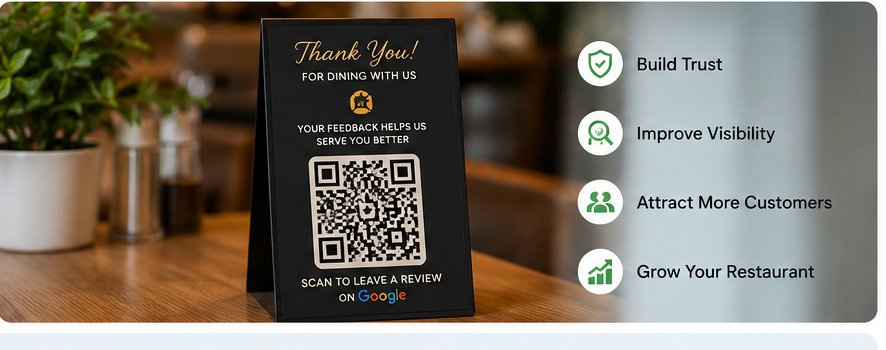
How QRDesk Can Help Restaurants Manage Reviews
Managing review requests manually across multiple tables, branches, and customer touchpoints can become difficult.
QRDesk helps restaurants create QR-based customer feedback and review flows, making it easier for customers to access the right feedback channel from their table.
Instead of relying entirely on staff to remember when and how to ask, restaurants can build review requests into the customer journey.
For restaurants that want a more organized approach to customer feedback and reputation management, QRDesk can help simplify the process.
Looking for a complete QR solution for your restaurant? Explore QR Reviews and QR Menu together.
Explore QRDesk's Restaurant Review System
Get a free 20-minute demo set up with your restaurant's name, branding and actual menu.
Message us on WhatsApp →Frequently Asked Questions
How can a restaurant get more Google reviews?
Ask genuine customers for honest feedback, make the review process easy with a direct Google review link or QR code, and consistently remind customers at appropriate points in the customer journey.
Can restaurants use QR codes to get Google reviews?
Yes. Google specifically allows businesses to share a review link or QR code to make it easier for customers to leave reviews.
Can a restaurant offer a discount for a Google review?
No. Google prohibits incentives such as discounts, free products, or services in exchange for reviews.
Can restaurants ask customers for five-star reviews?
Restaurants can ask genuine customers to leave a review, but they should not pressure customers to give a particular rating or selectively ask only satisfied customers for positive reviews.
Should restaurants respond to negative Google reviews?
Yes. A professional, calm response can show potential customers that the restaurant takes feedback seriously. Google recommends responding to reviews as part of managing customer feedback.
Written by: Maira Ali · Last updated: August 2026
This article is intended as general guidance and should be reviewed against Google's current Business Profile and Maps policies before implementing a review strategy.